


HOME / Starting Gate Equipment / Holeshot Pro – Electronic Motocross Starting Gate
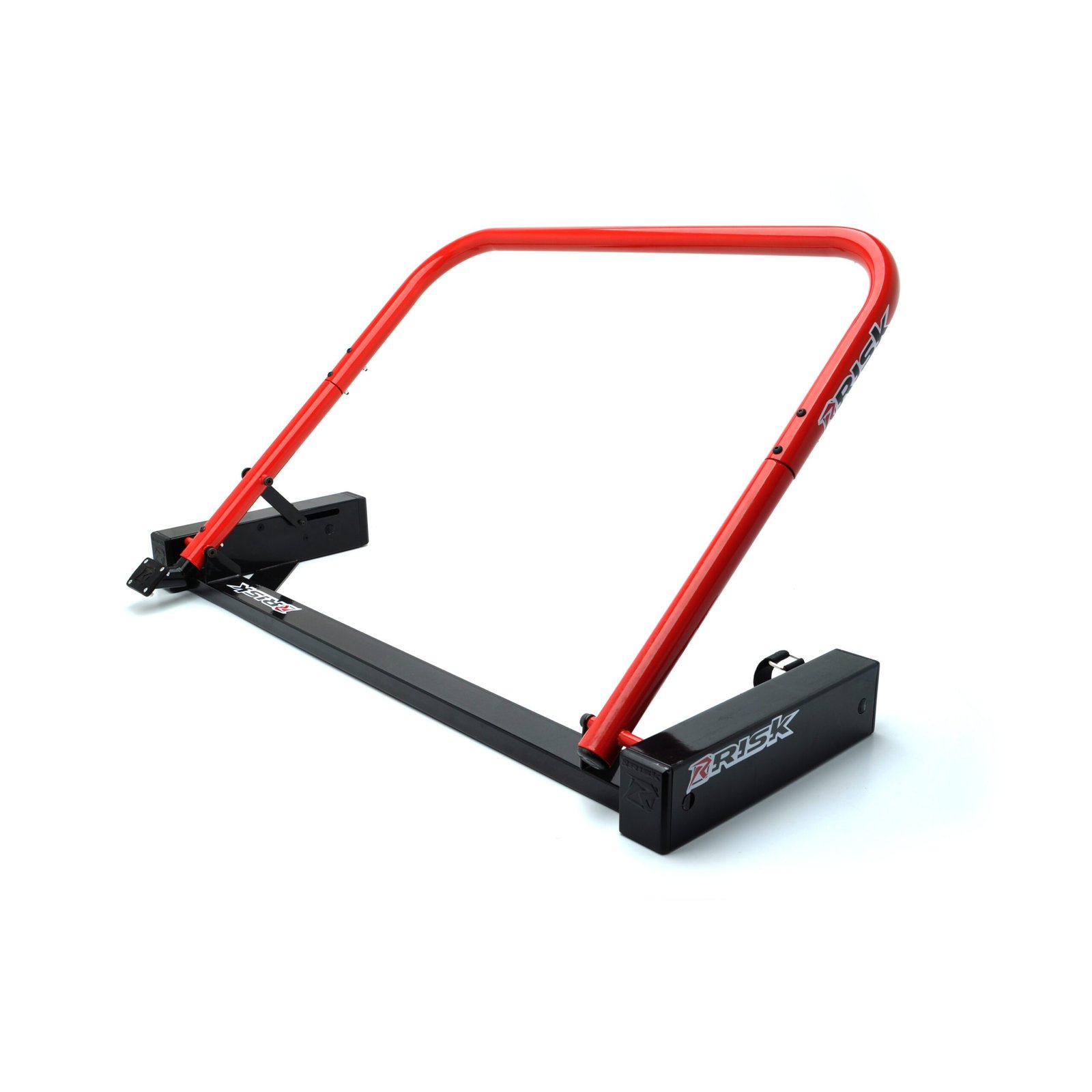
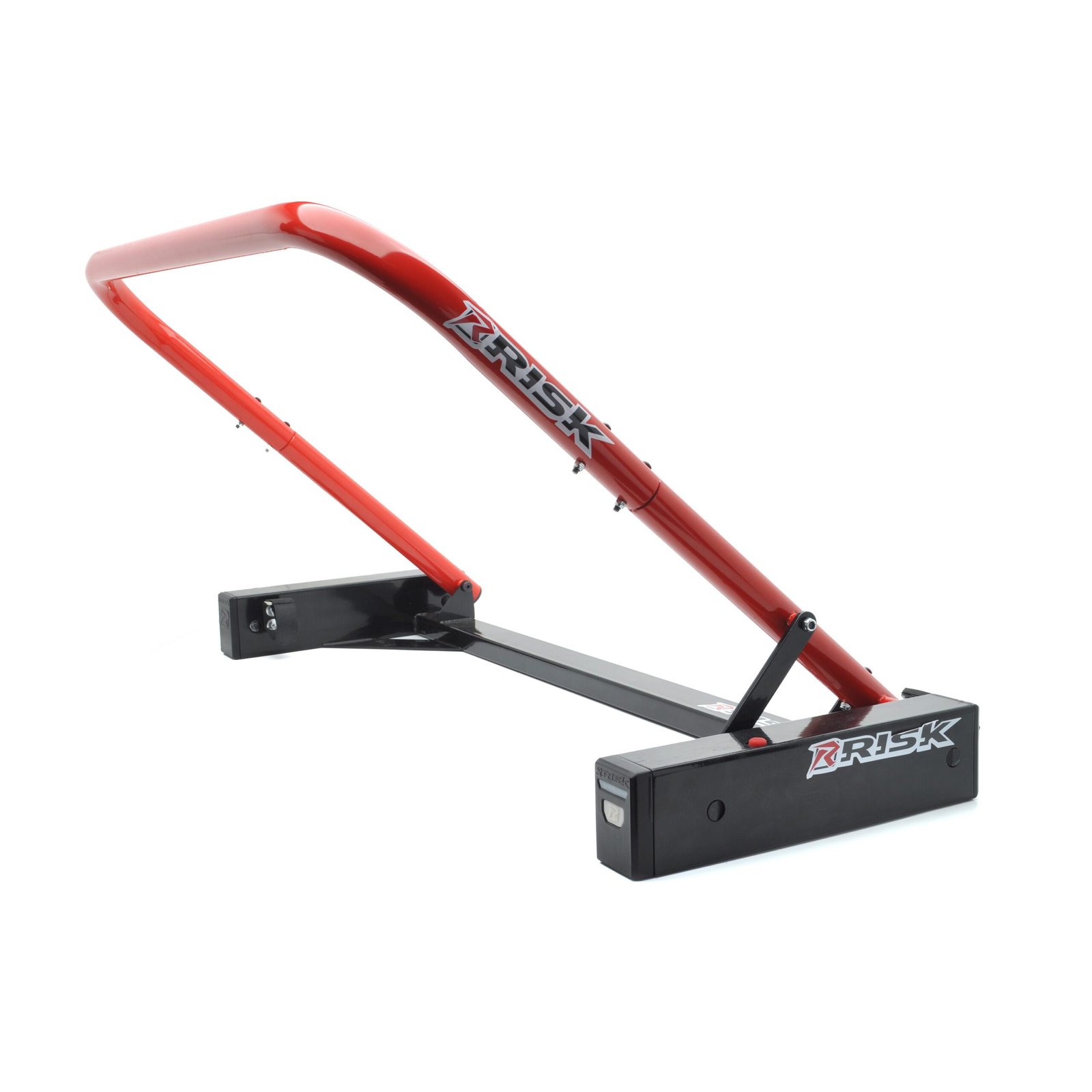
Holeshot Pro - Electronic Motocross Starting Gate
$329.99 USD
SKU# 14261
Short description:
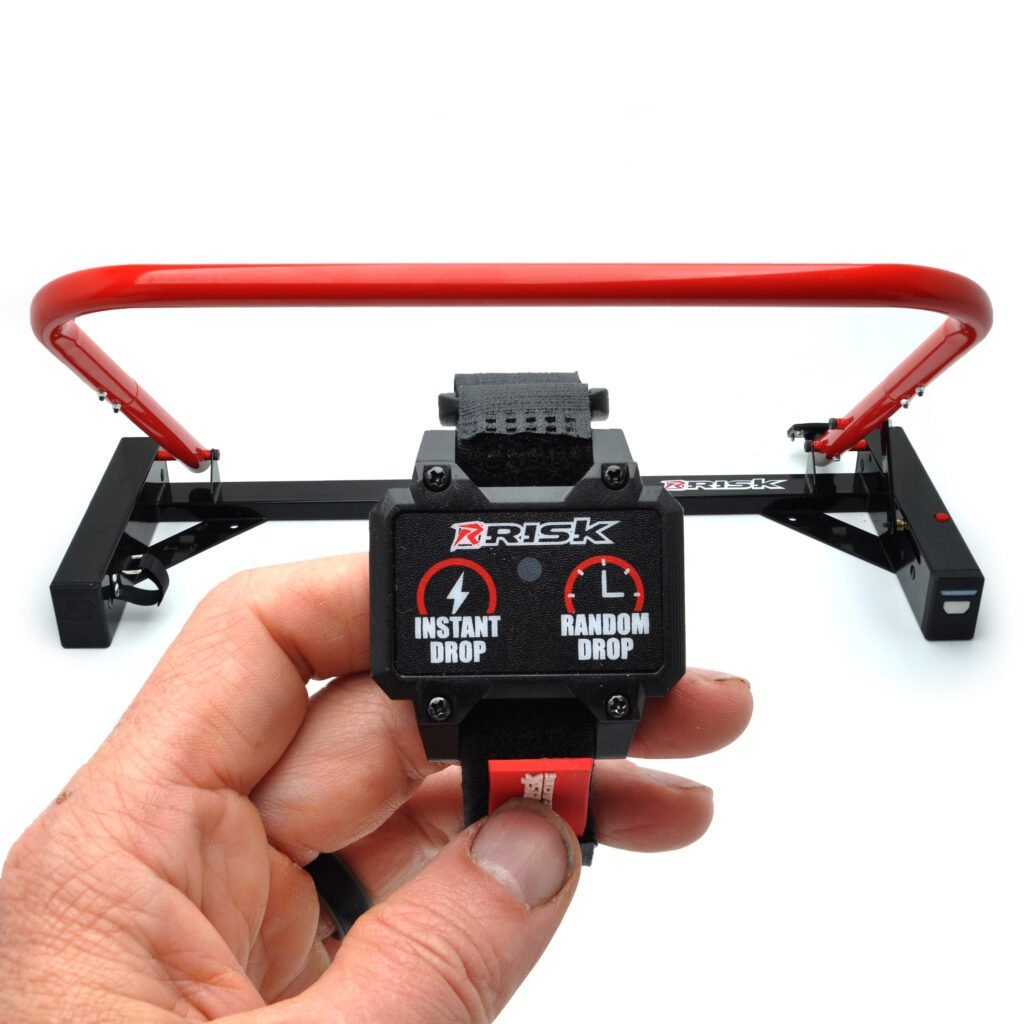
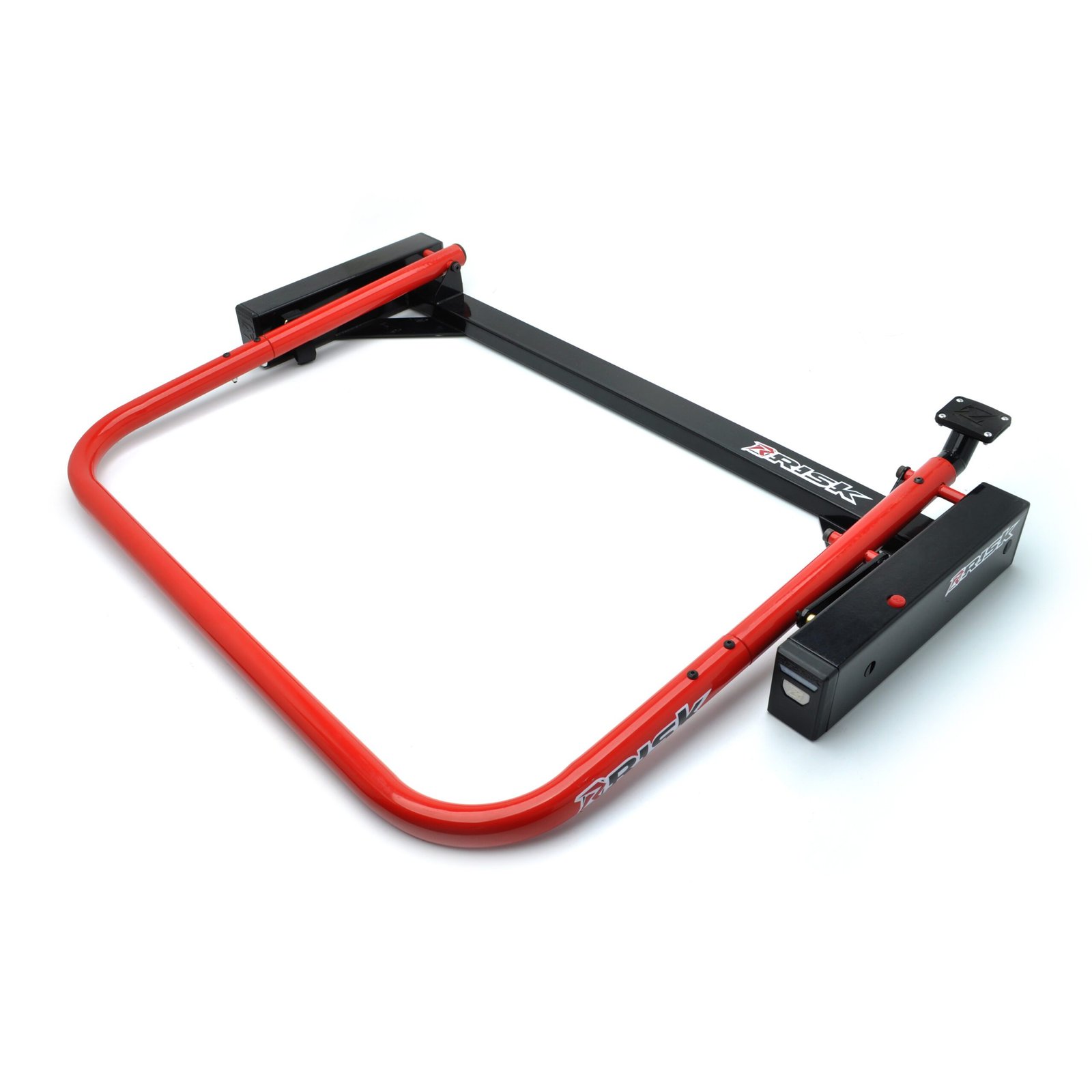
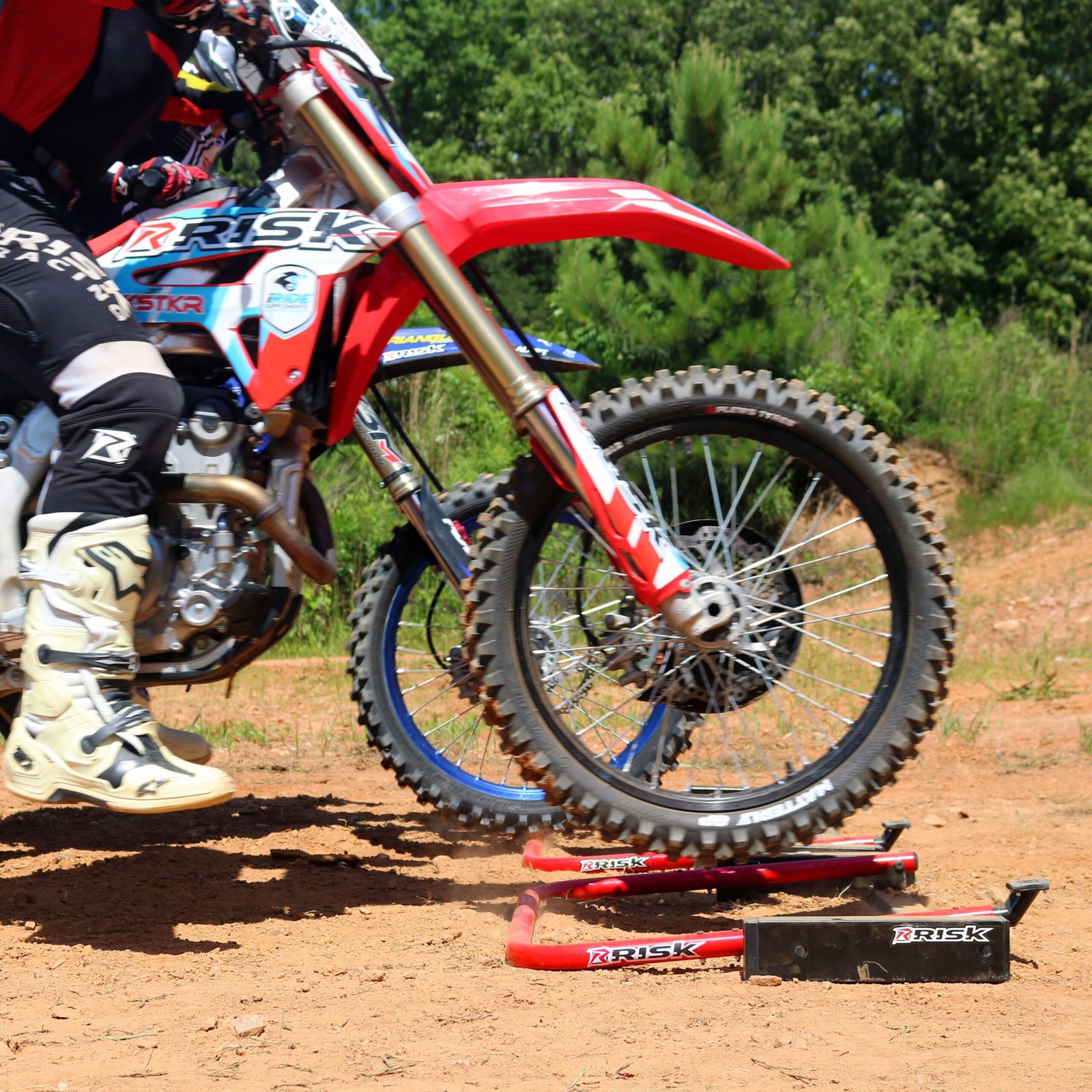
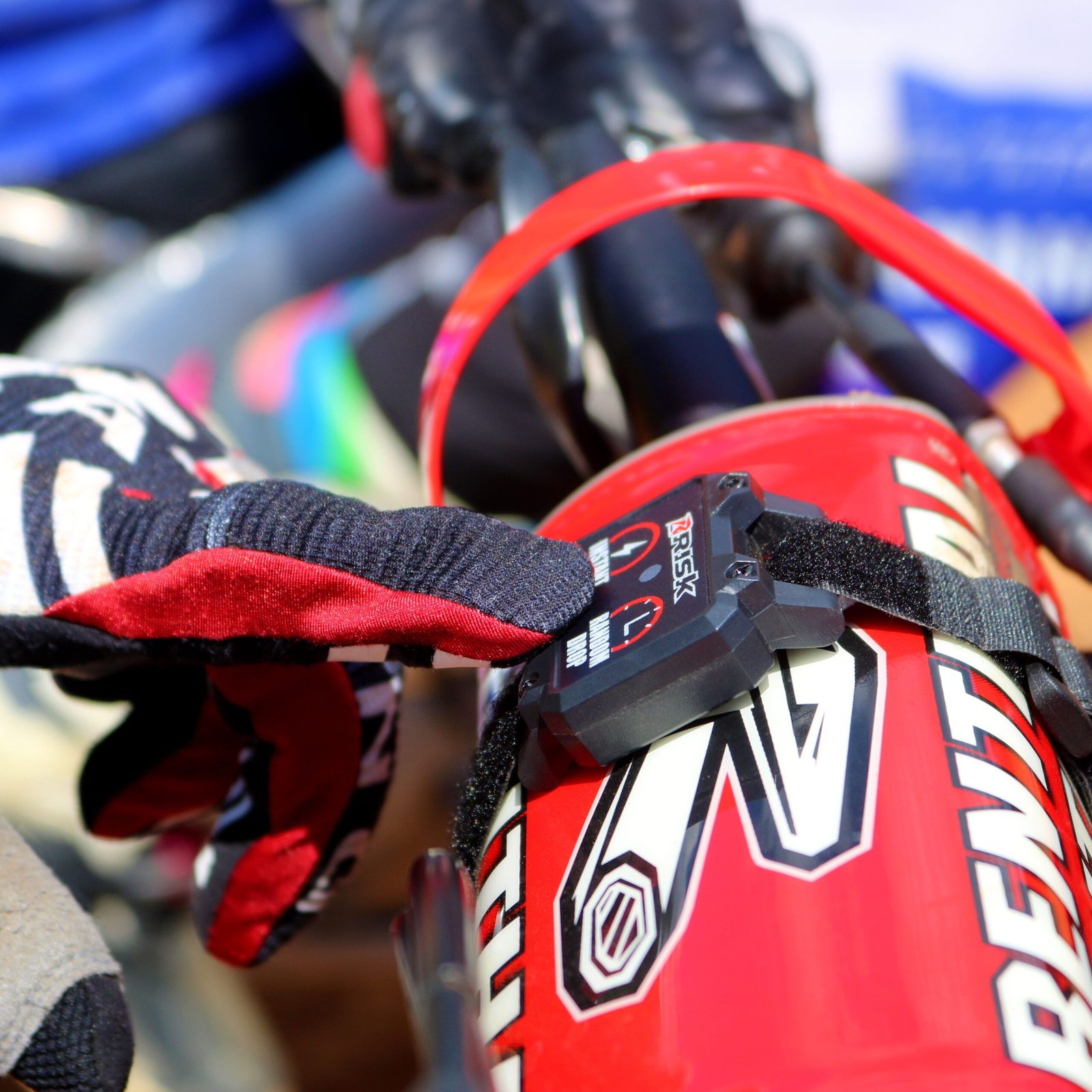
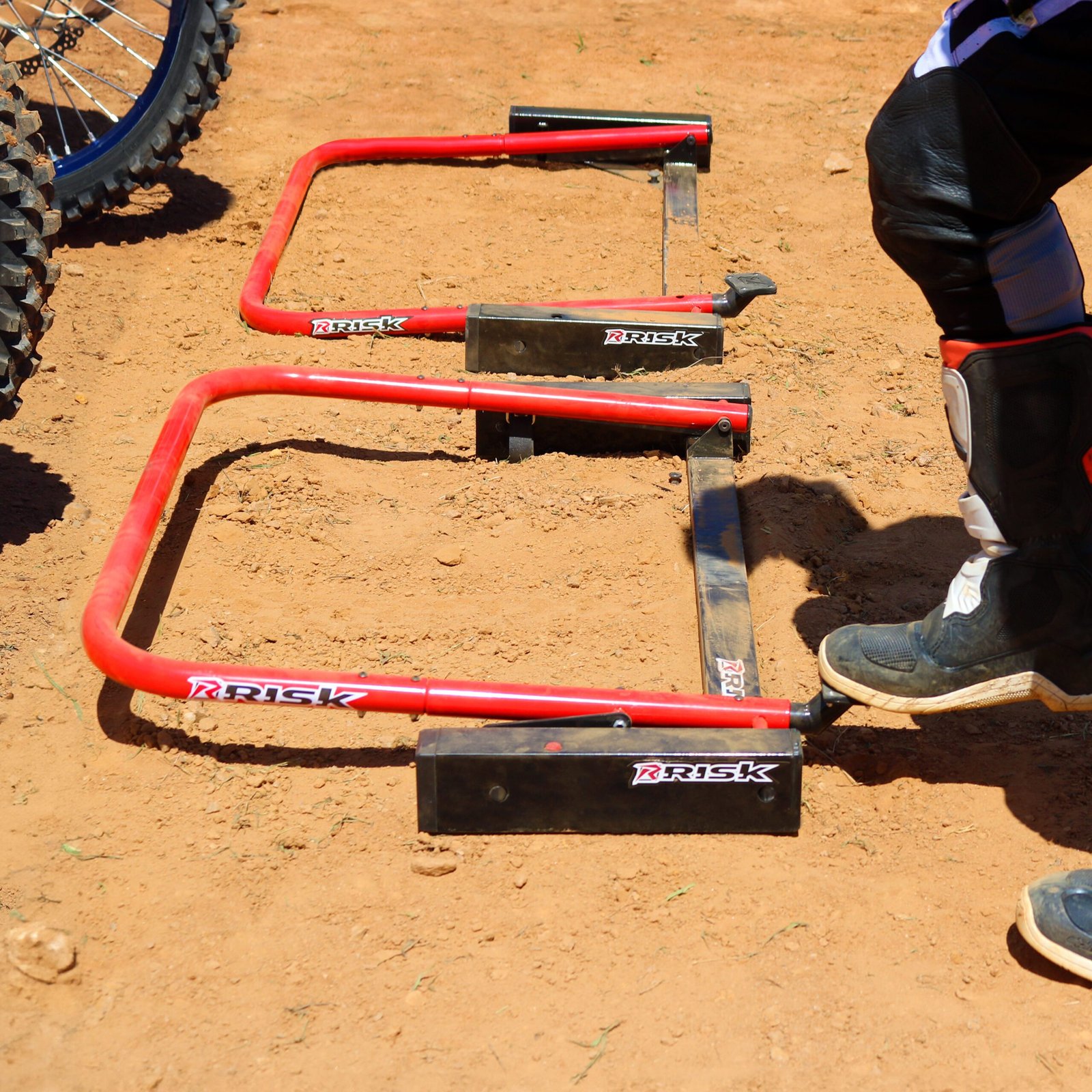
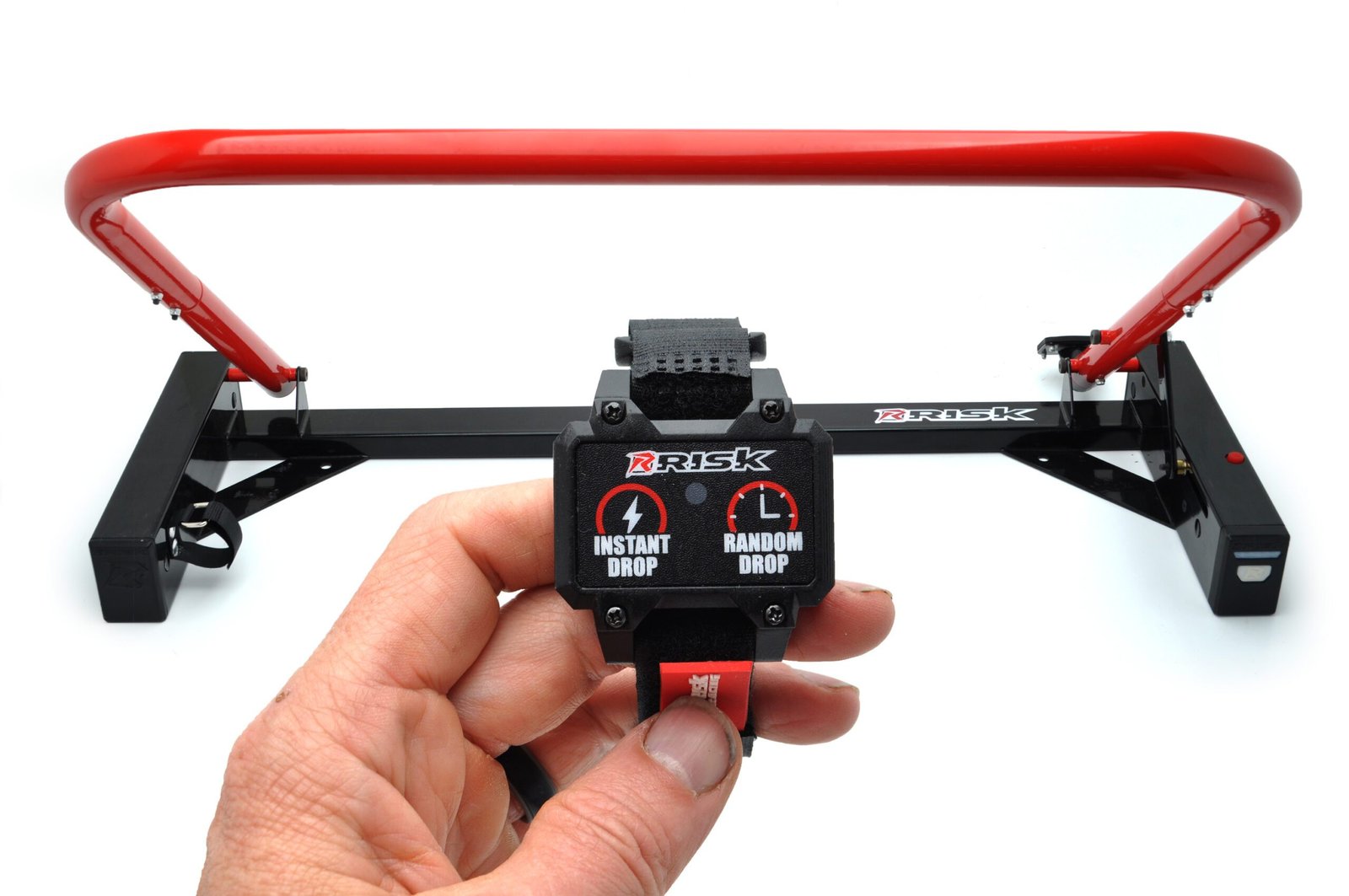
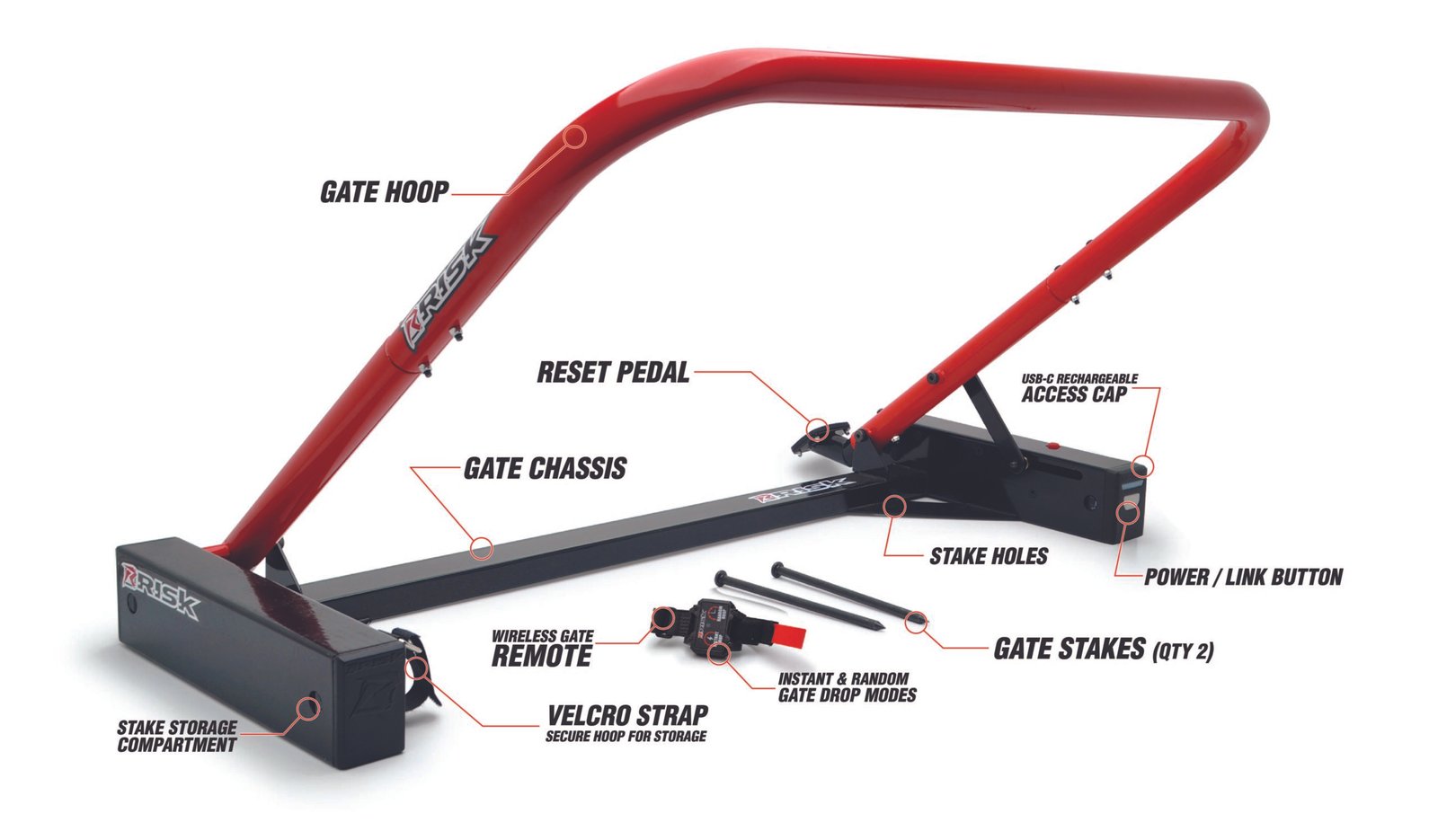
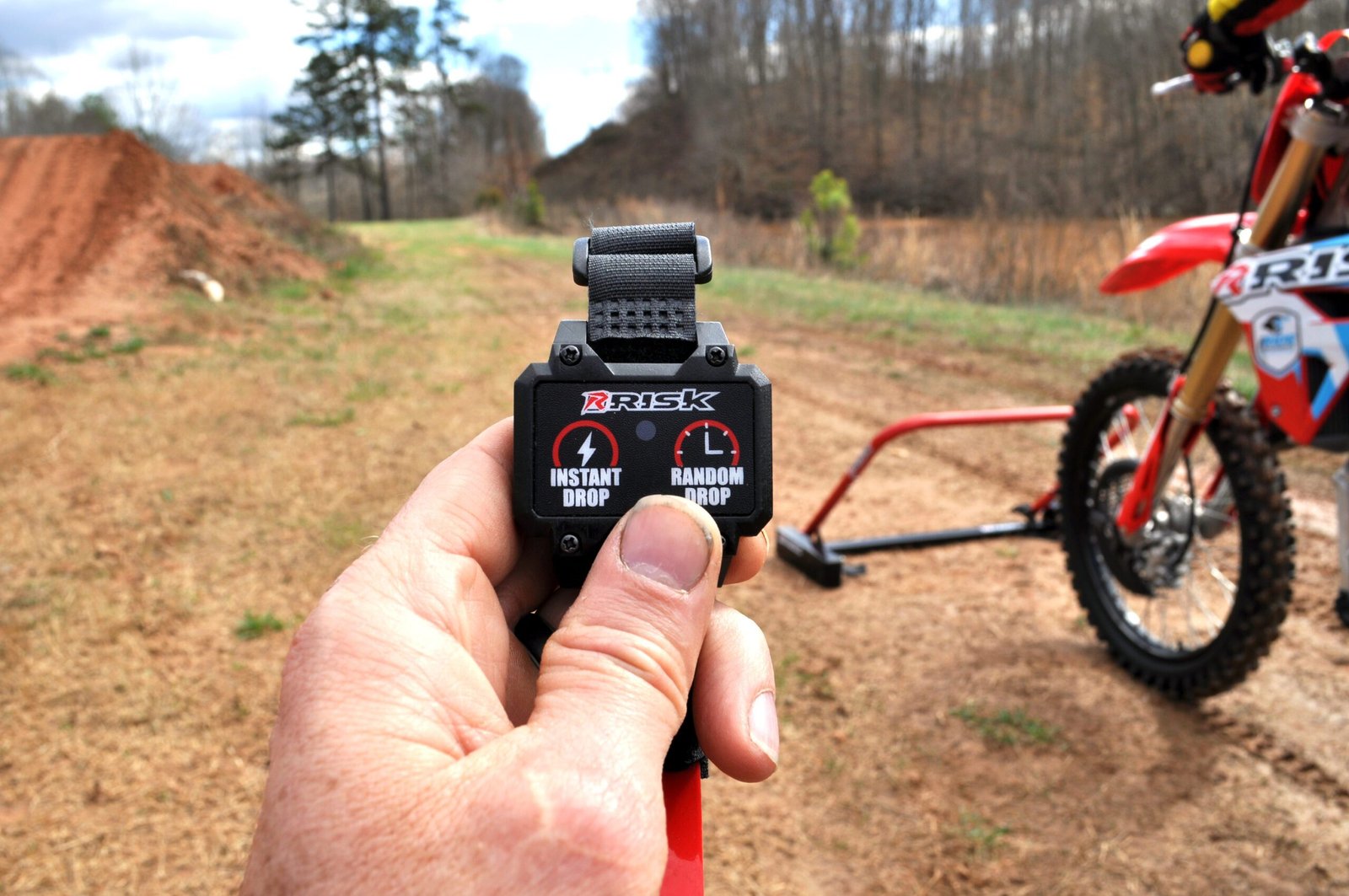
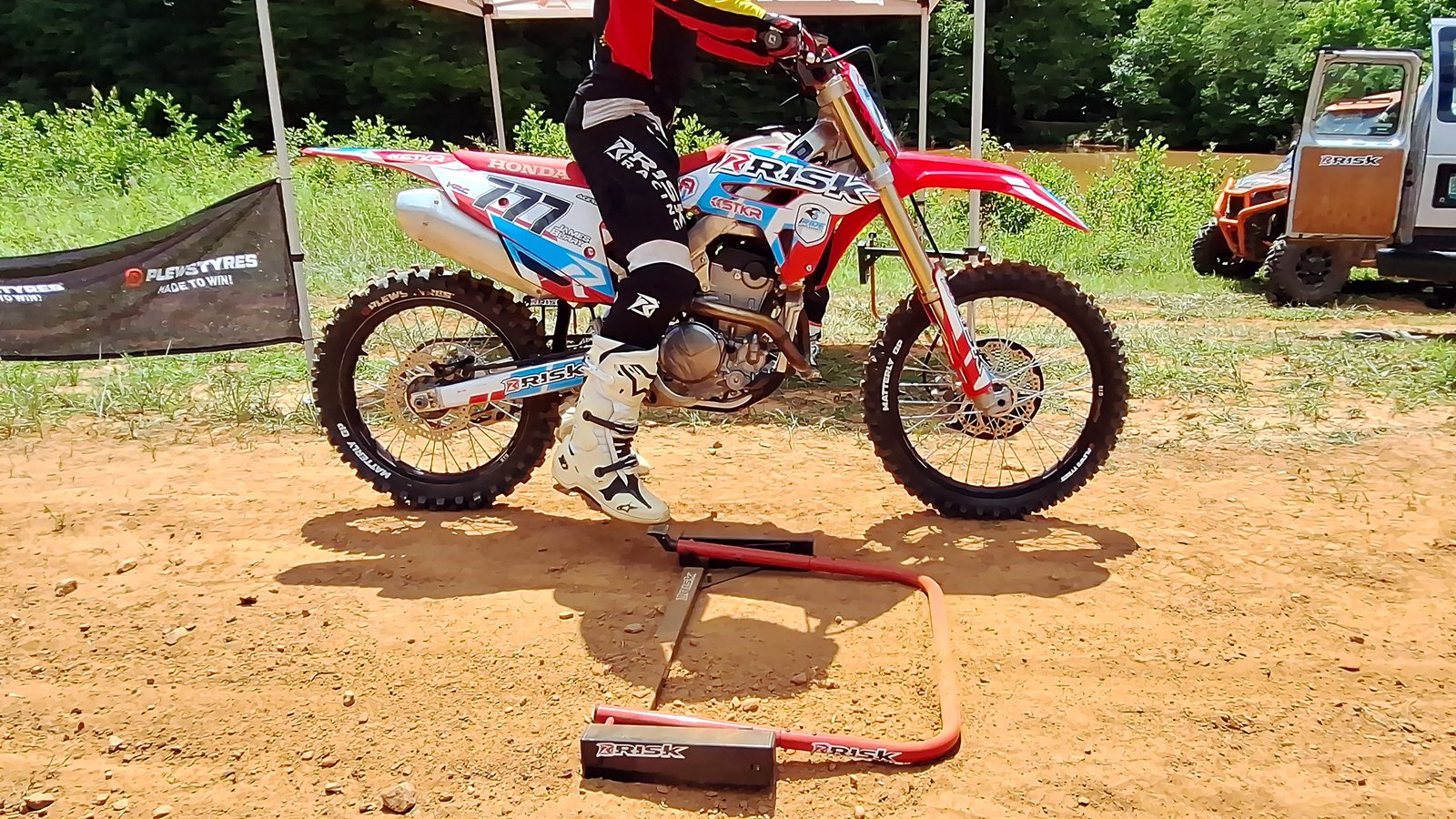
Take training to the next level! Easily mount the wireless remote onto your handlebars and train independently, or have a trainer control the gate with the instant drop sequence. Wirelessly link multiple PRO gates to train head-to-head replicating real race intensity! Finally, the foot pedal provides an instant reset for quick & easy repetition.
- Random or Instant Drop
- Wireless Remote
- USB-C Rechargeable
- Link Multiple Gates Together
- Wireless remote control (included)
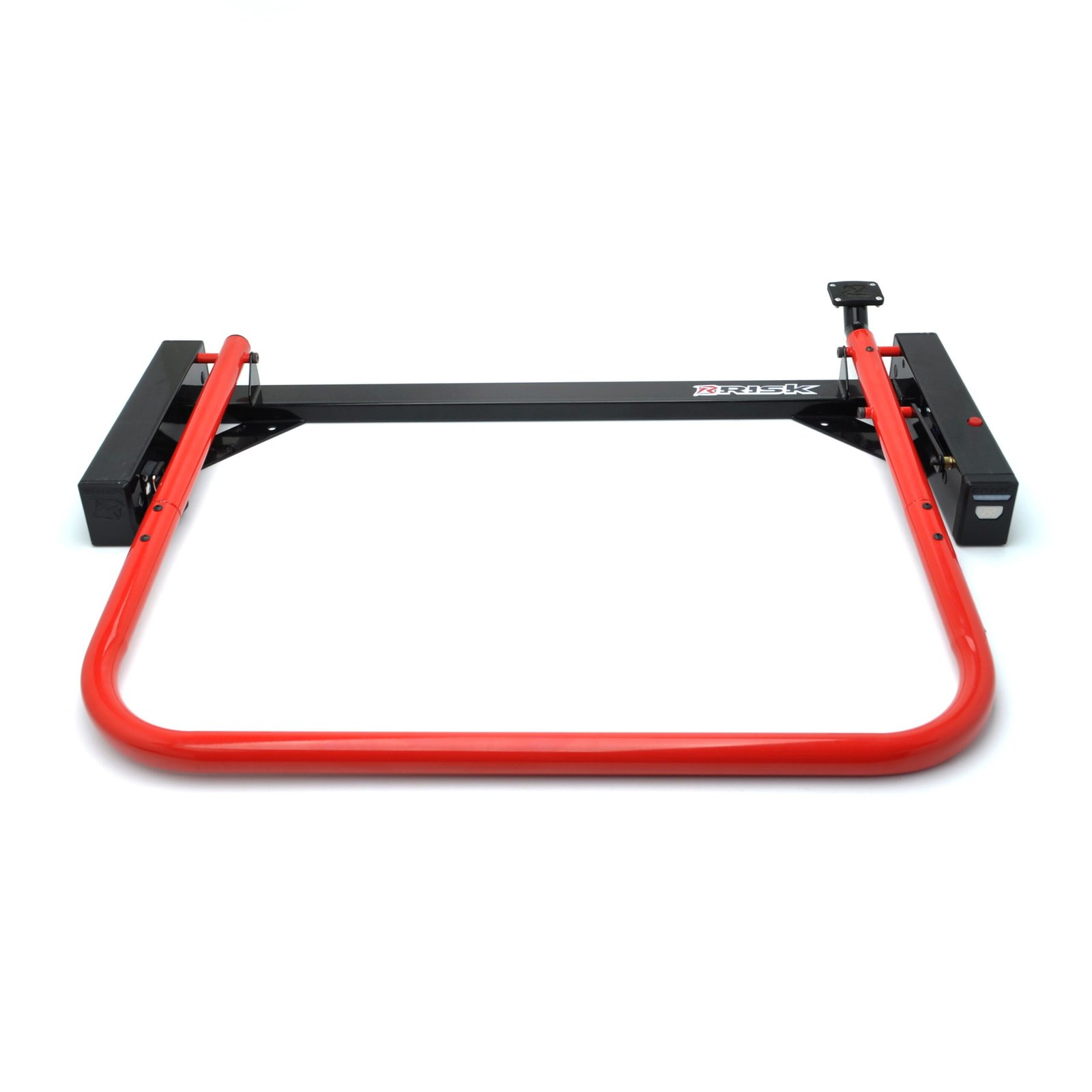
- Size: 36” x 29” x 5” (91.44cm x 73.66cm x 12.7cm)
- Weight: 21lb (8.16kg)
- 1 year warranty
First thing to do out of the box: charge it fully. If the battery dies completely, the remote loses its pairing, similar to a Bluetooth device that needs to be re-paired. Charge first, then re-sync.
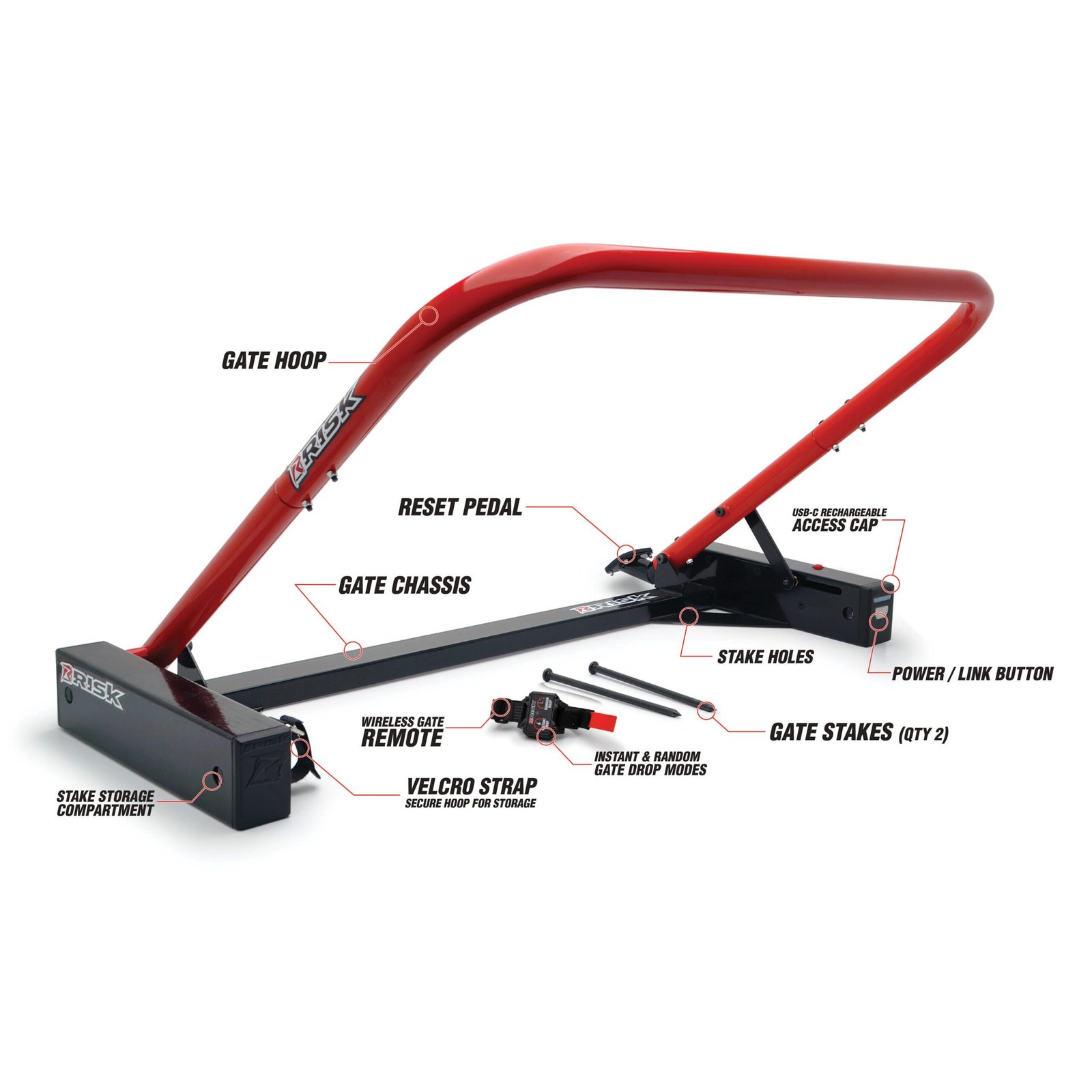
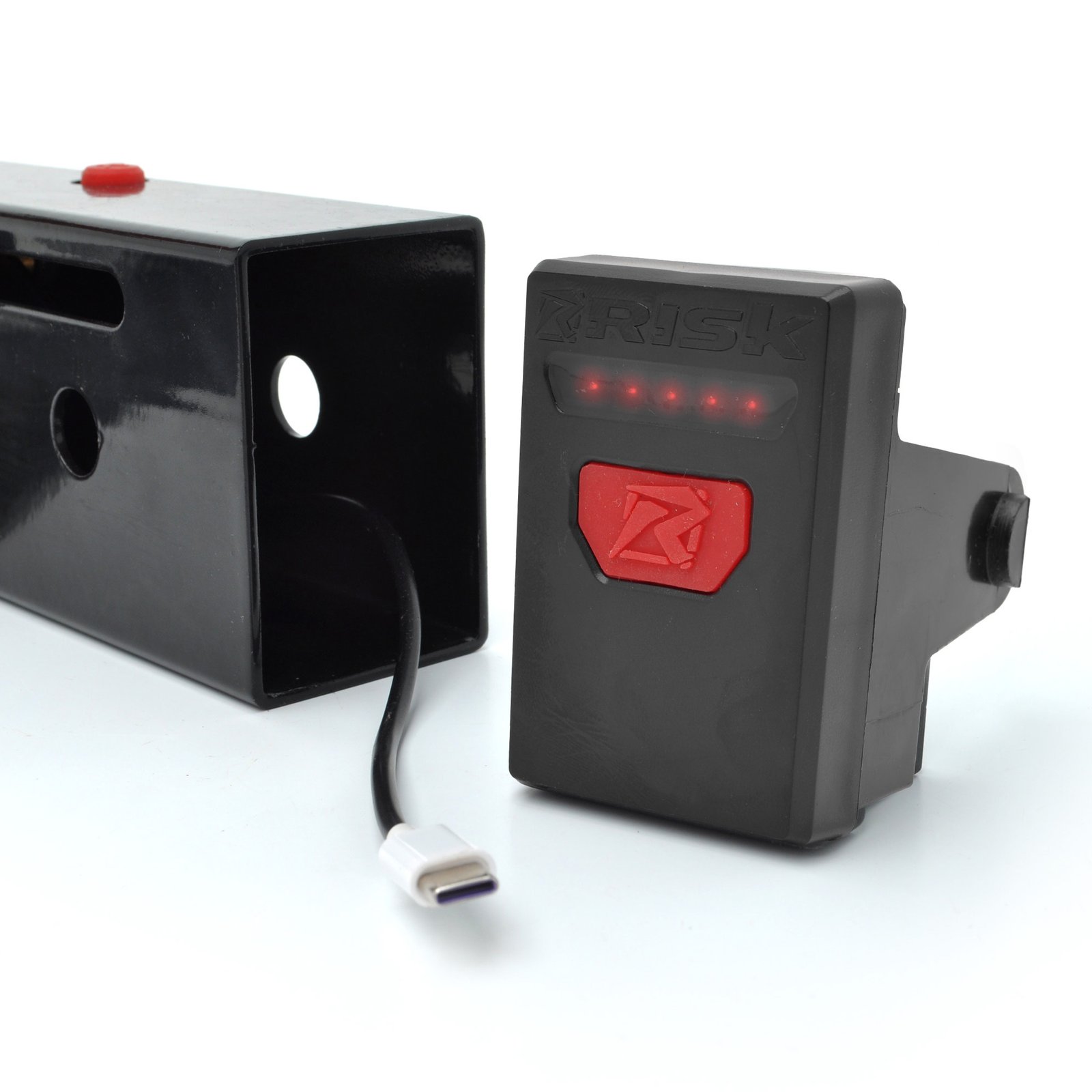
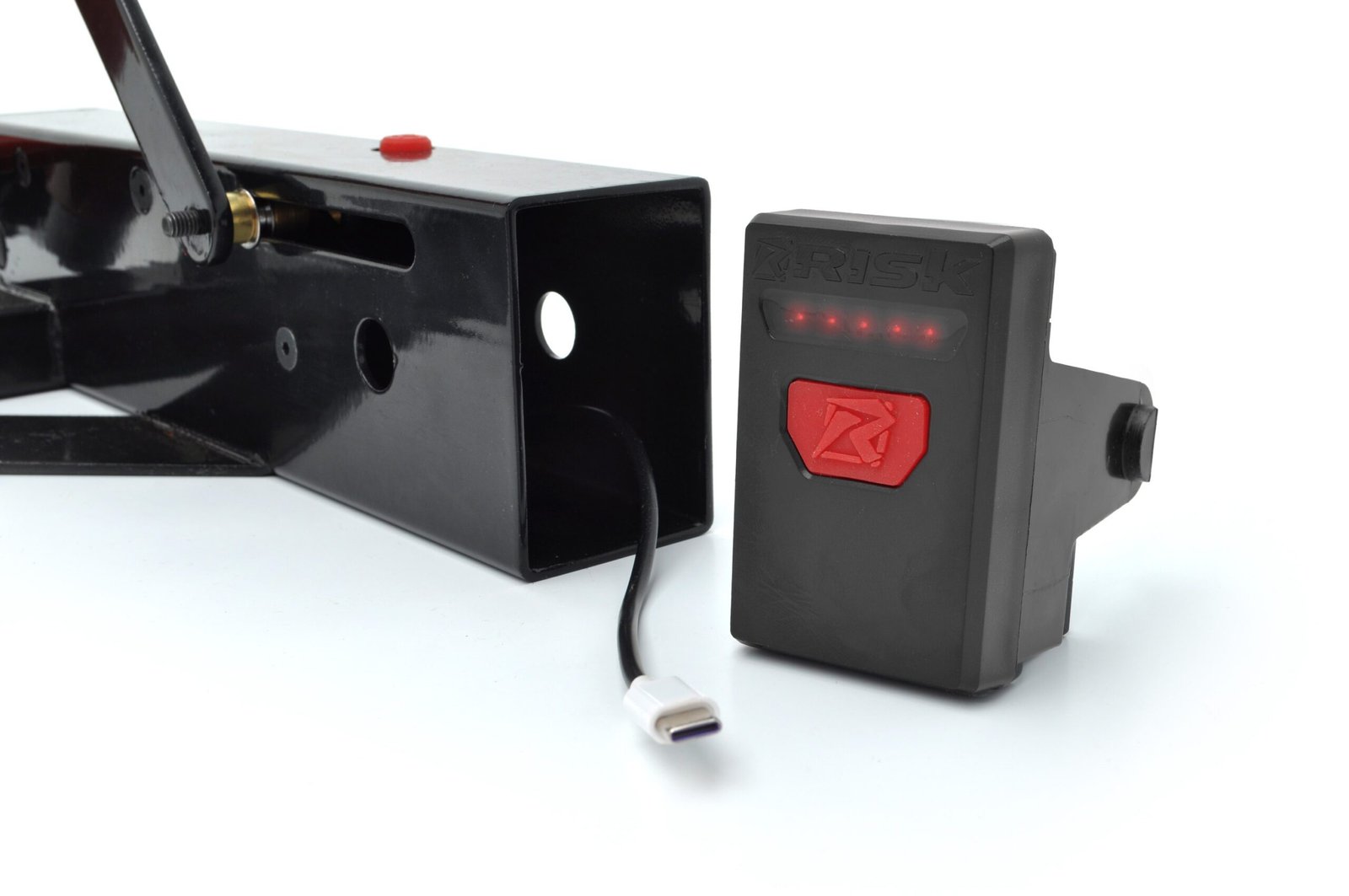
- Charging: Use the included USB-C charging block and cable. A standard phone charger will not work; the included block is high-power. Plug into the back of the electronics and the LED fuel gauge shows charge level.
- Re-syncing the remote: Turn on the gate. Press and hold the power button on the gate until the LEDs start blinking. While blinking, press any button on the remote to confirm the pairing.
There is no substitute
For Practicing with a Starting Gate
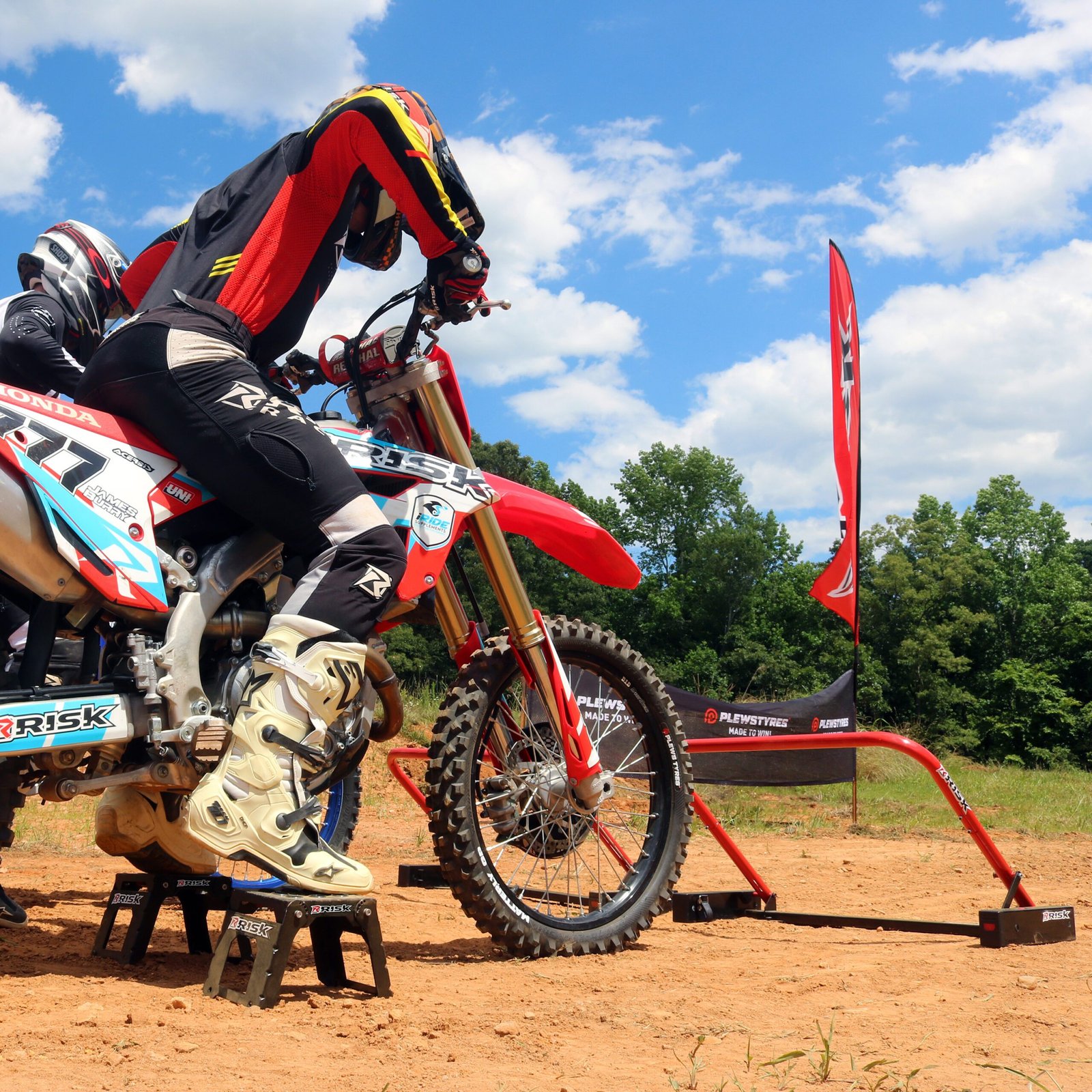
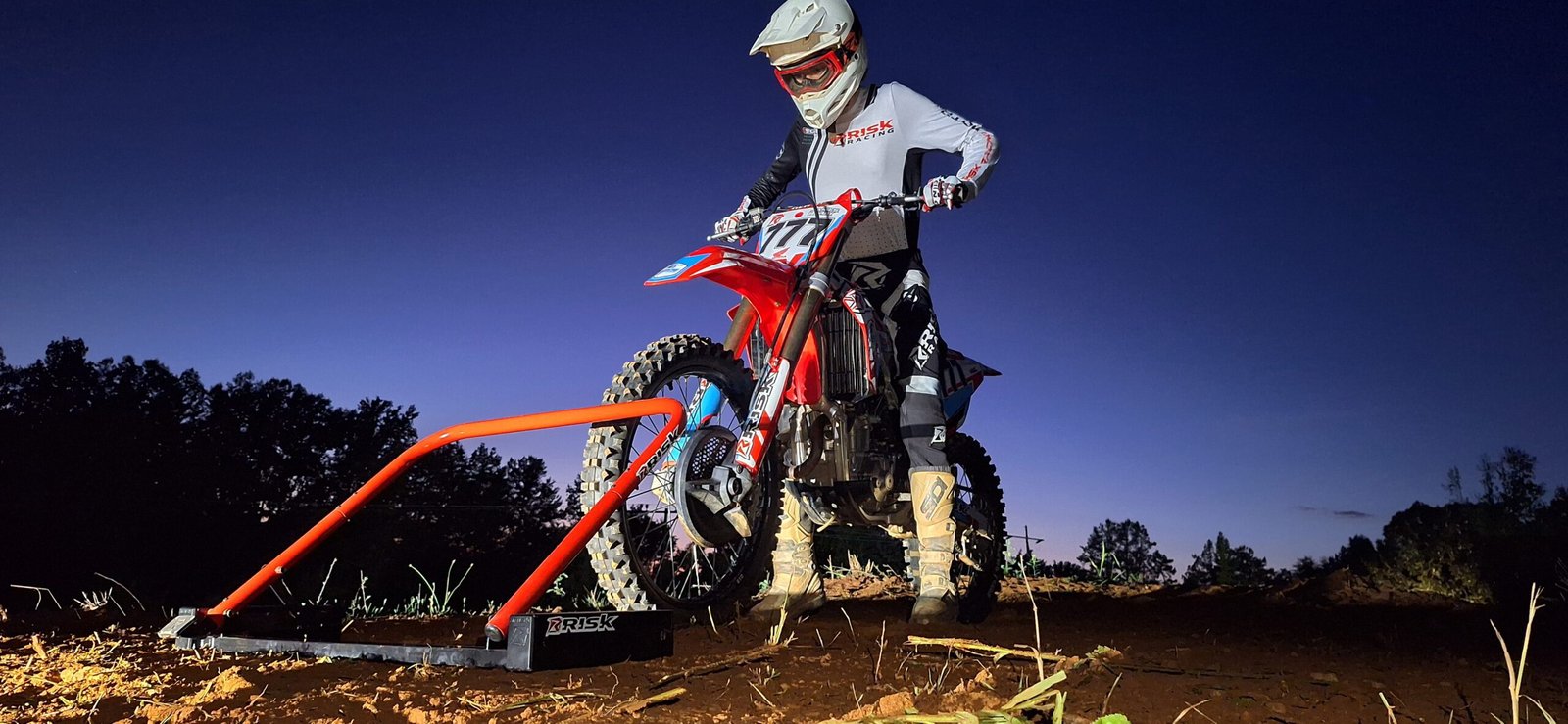
The Holeshot PRO Starting Gate allows a rider to focus on starting skills. A successful start is a mixture of great reaction time, balance, clutch control, and throttle control. Additionally, with the immense horsepower of modern motocross bikes, it is important to work on your bike controls and traction out of the gate and into the first corner.
Practice Made Easy
2. Hit Start
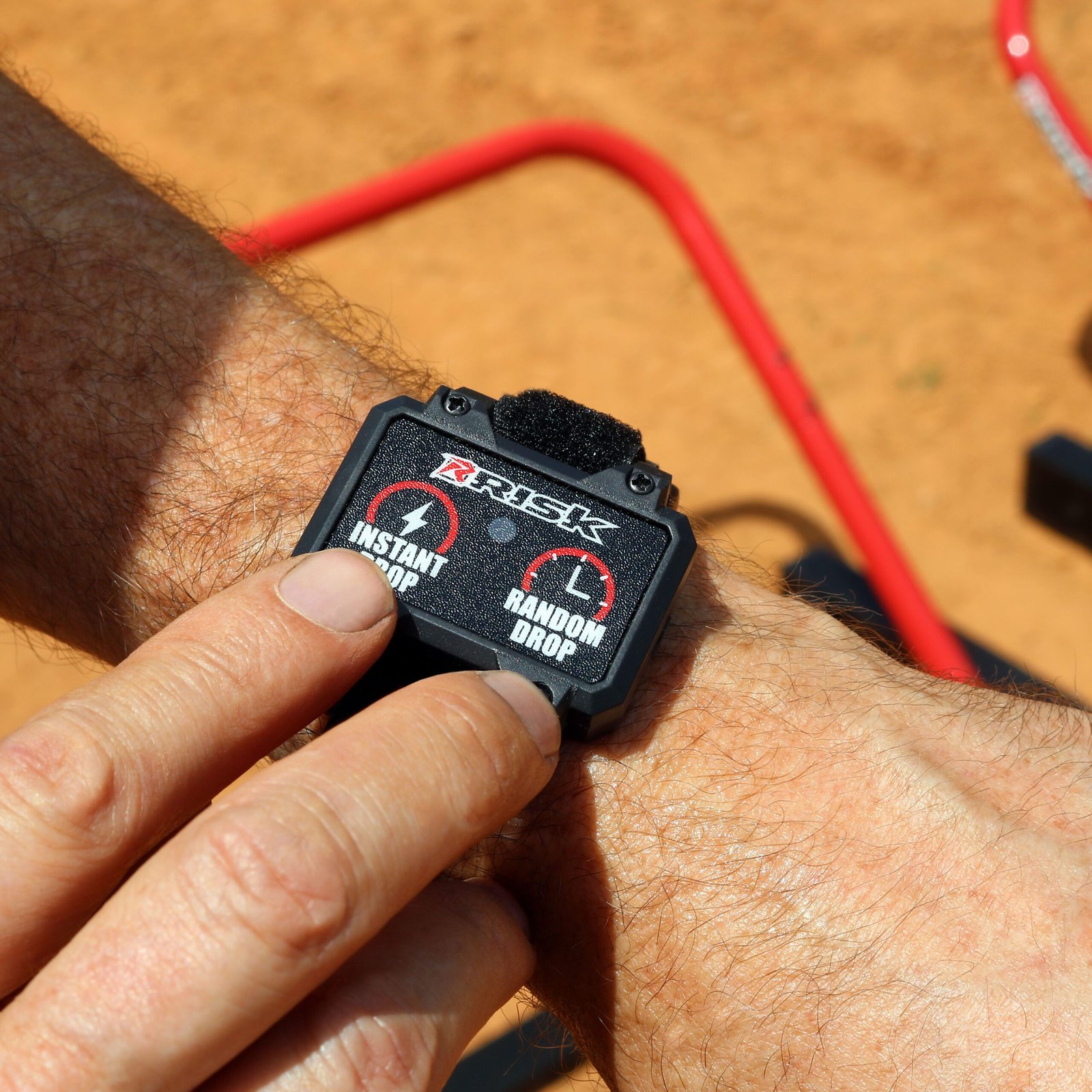
Hit the random drop button on the included wireless remote attached to your bars or wrist.
Get Podium Winning Starts
With the Perfect Practice Equipment
Getting a holeshot is easy right? …Wrong, but most races are won and lost at the drop of the gate, so perfecting your starting technique is key to any MX racer who wants to be on the podium. Improve your reaction time and learn to control power out of the gate and into the first corner.
There is no better way to practice your starts.
Practice, practice, practice...
Practice the whole starting sequence from the drop of the gate, powering to the first corner, late braking, and exiting the first corner with control and speed.
New & Improved
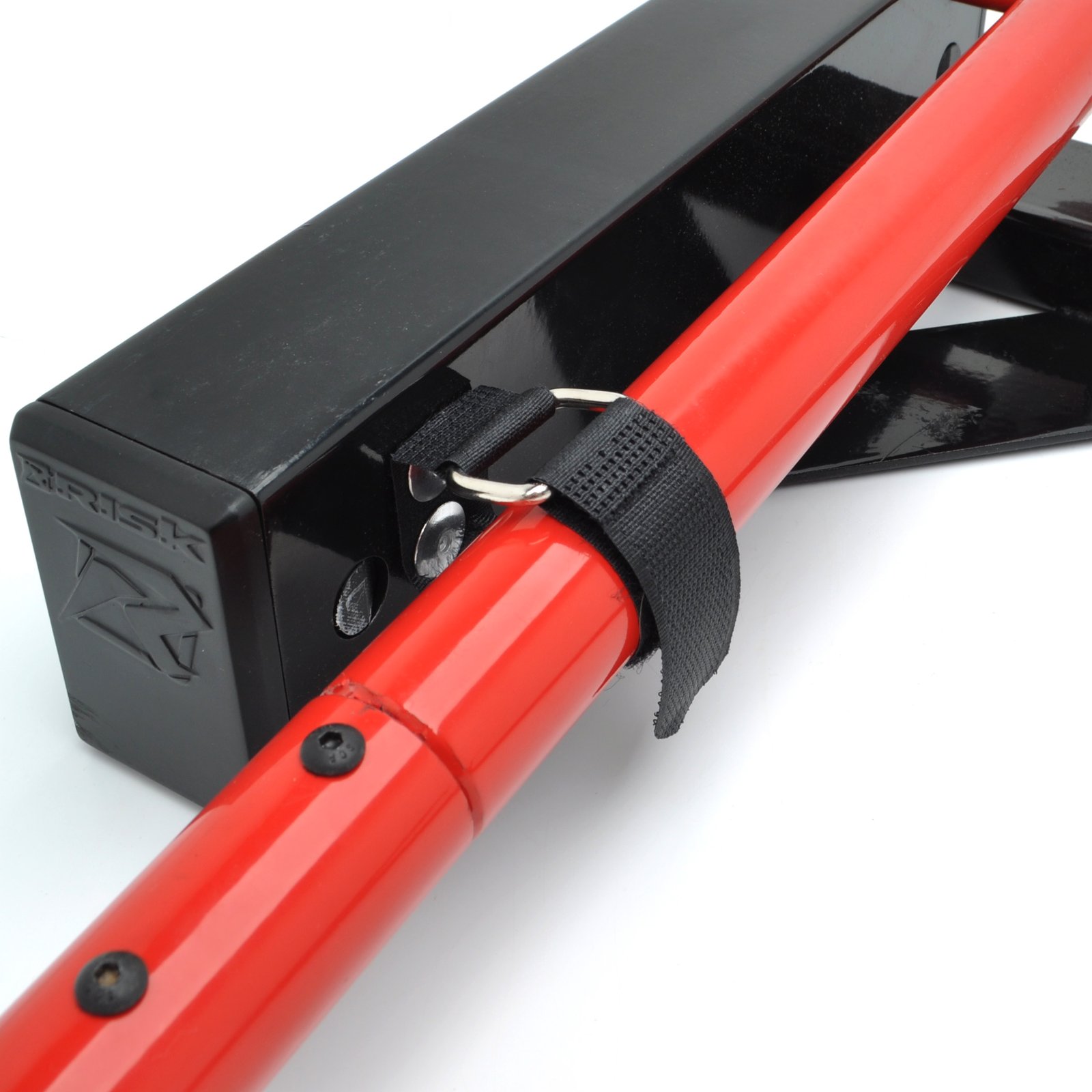
Iterating on 17 years of Holeshot product success, we’ve introduced many new features in the new Pro version including wireless connectivity between gates, a rechargeable battery pack, a redesigned wireless controller, a quick reset foot pedal, an internal storage compartment, and a storage & carry strap to name a few.
The Holeshot Now Comes In 2 Flavors!
With the huge success of the Holeshot Starting Gate we’ve now created 2 versions.
![]() |
![]() |
|
|---|---|---|
| FEATURES AND BENEFITS | ![]() |
![]() |
| Version | Electronic | Manual |
| Price (MSRP) | $329.99 | $229.99 |
| Remote operated | Wireless Remote (Mount on crossbar or wrist) |
Cable Trigger |
| Instant drop trainer mode | ✔ | ✔ |
| Random timing drop sequence | ✔ | ✘ |
| Link multiple gates together for “bar-to-bar” practice | ✔ | ✘ |
| USB-C rechargeable battery pack | ✔ | ✘ |
| Quick reset foot pedal | ✔ | ✔ |
| Internal storage compartment (stakes, remote, etc.) | ✔ | ✔ |
| Carry & storage strap | ✔ | ✔ |
| Very durable construction – used by the Pros | ✔ | ✔ |
| Practice holeshot at home or on the go | ✔ | ✔ |
Features
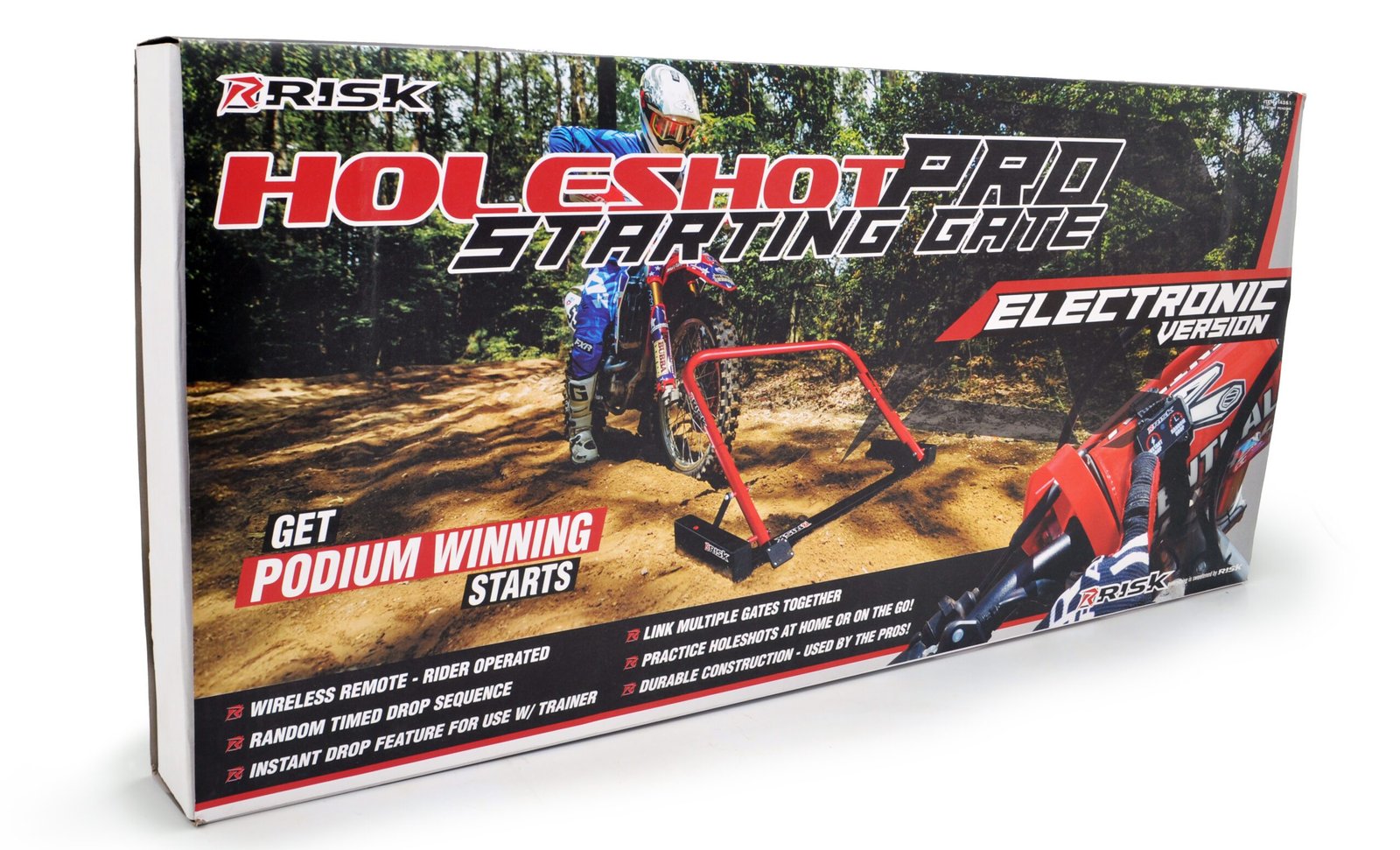
Wireless Remote – Rider Operated
Random timing drop sequence
Link multiple gates together for “bar-to-bar” practice.
“Instant Drop” feature for use with trainer
Very durable construction – used by the Pros
Quick foot pedal reset
USB-C rechargeable
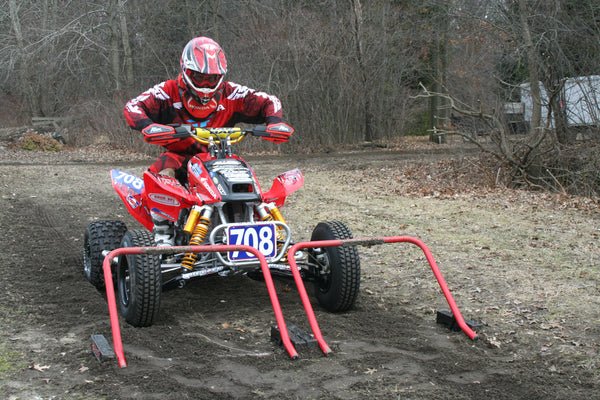
Works with Quads too
Practice holeshot at home or on the go
What's Included
Frequently Asked Questions
Setup Video: Charging & Syncing Your Remote
My remote stopped working. How do I re-sync it?
This is the most common issue and it has an easy fix. When the battery dies completely, the gate loses its pairing to the remote, similar to a Bluetooth device that needs to be re-paired after losing power. Charge the gate fully first, then re-sync.
- Turn on the gate.
- Press and hold the power button on the gate until the LEDs start blinking. Most people don’t hold it long enough, so keep holding until you see the blink.
- While the LEDs are blinking, press any button on the remote. The LEDs will signal that the gate has received the remote and the pairing is confirmed.
If you’re linking multiple gates to one master remote, repeat steps 1–3 for each gate.
How do I charge it?
Important: You must use the USB-C charging block and cable that came with the gate. It is a high-power charger. A standard phone charger will not work.
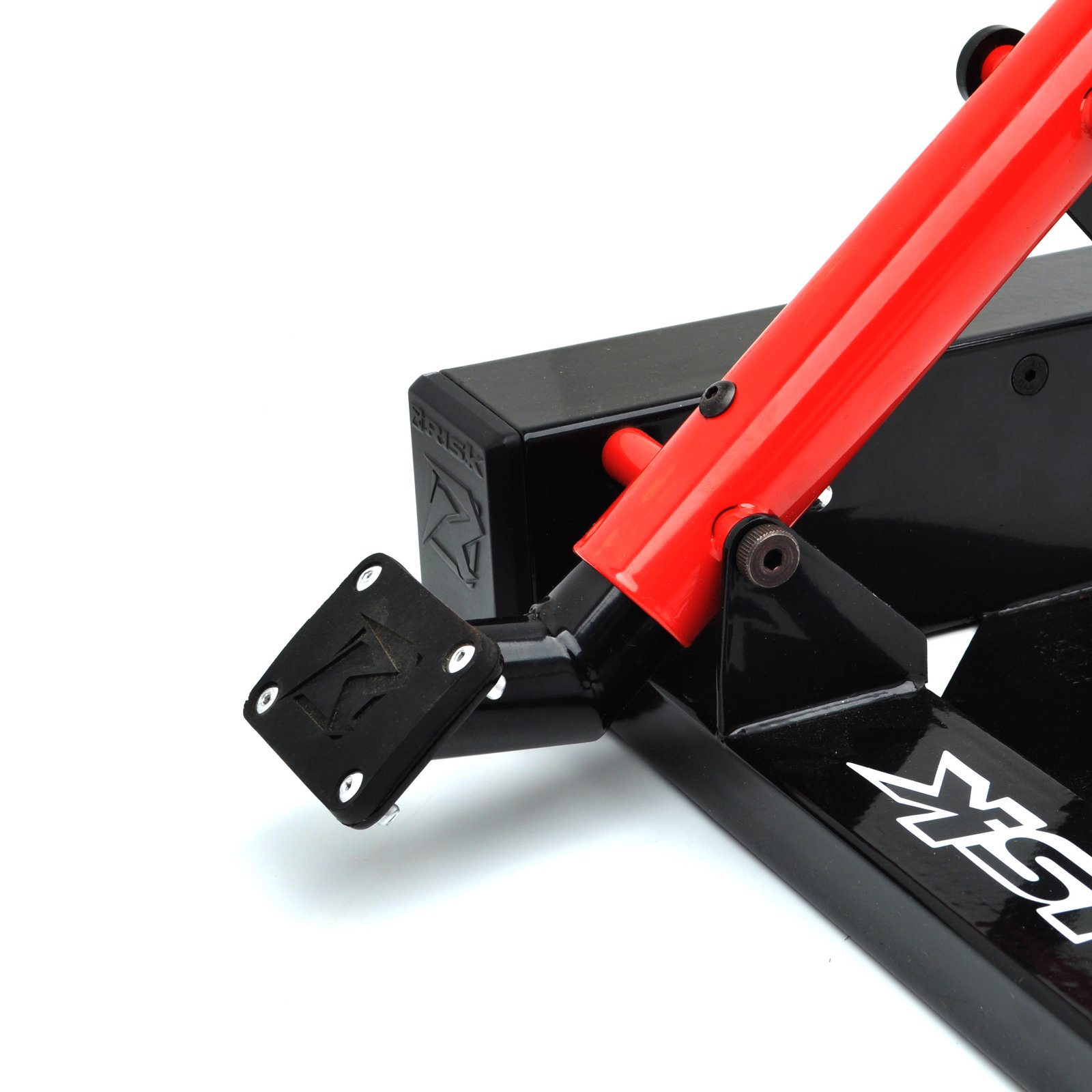
- Remove the electronics from the gate by pinching the two release buttons protruding through the black steel chassis.
- Unplug the electronics from the gate via the internal USB-C connection.
- Plug the supplied USB-C cable and charging block into a wall outlet, then into the back of the electronics. The LEDs will turn on immediately and show your charge level like a fuel gauge, with one light blinking to indicate the current level. All LEDs illuminate solidly when fully charged.
- Unplug when full. Do not leave the unit on the charger continuously; it is bad for the battery.
- Reinstall the electronics into the gate by reversing steps 1–2. Make sure the power wire is not folded into the latch mechanics when reinstalling.
How do I link multiple gates?
You can link up to 5 gates to a single master remote for bar-to-bar practice.
- Pick one remote to be the master. Once linked, this remote drops all gates simultaneously.
- Press and hold the power button on each gate until the LEDs flash.
- While the LEDs are flashing, press any button on the master remote. The LEDs will flash to confirm the gate is now linked.
- Repeat for each additional gate you want linked.
To relink a gate to its original remote, simply repeat the steps above using the gate and the original remote.
Unboxing Video
Video Archive
JGRMX Josh Grant
Brock Tickle
Zach Osborne
Lucas Oil/Troy Lee Designs/Honda Team Ben Townley Interview
Teaming up with Honda World Motocross
Harold Goodman practicing Quad starts
Original Demo Video
California Prop. 65 WARNING:
This product can expose you to Bisphenol A, which is known to the State of California to cause birth defects or other reproductive harm. For more information go to www.P65Warnings.ca.gov.


